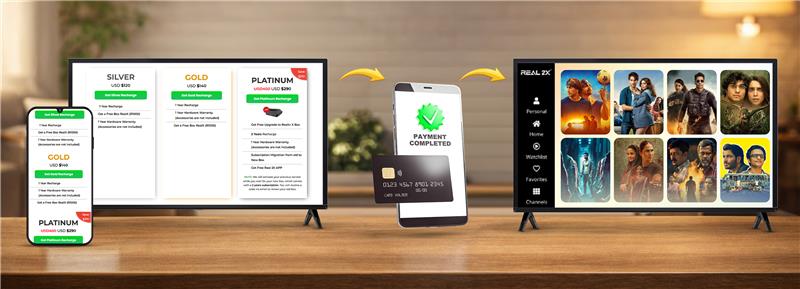
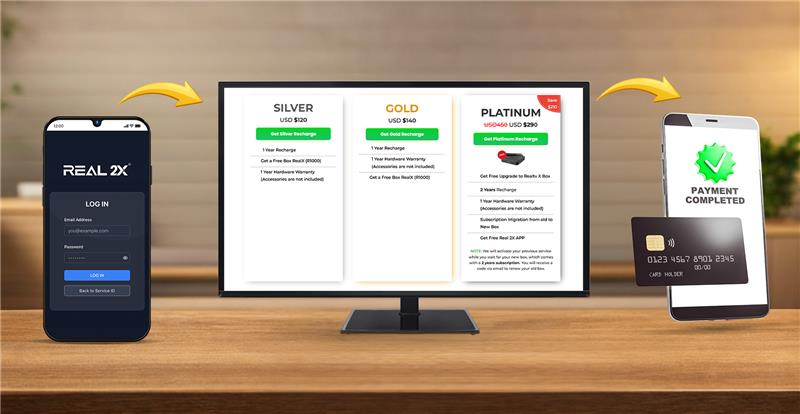
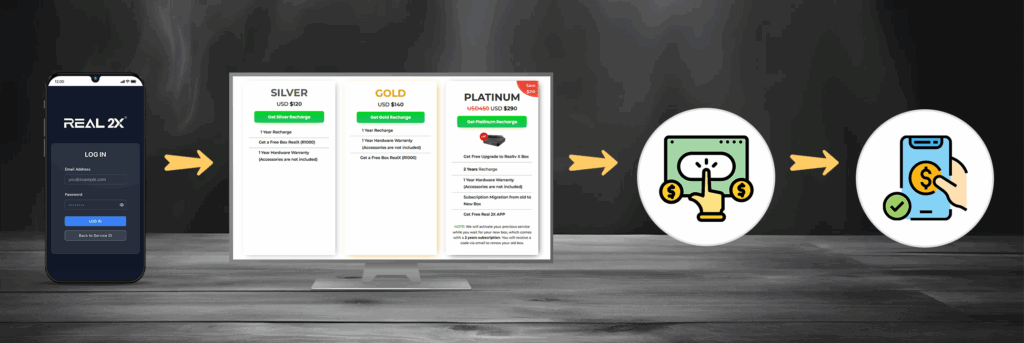
To start enjoying channels, complete your subscription using these steps:
- Open the Real TV website or app
- Go to subscription plans
- Choose the plan you prefer
- Click proceed
- Enter your account details
- Choose your payment method
- Confirm the purchase
- Refresh the Real TV app
Keep your service active by renewing on time:
- Open Real TV app or website
- Login to your account
- Go to subscriptions
- Choose renew plan
- Select duration
- Complete payment
- Restart the box for update
Real TV supports multiple methods for easy payment:
- Card payments (Visa/Mastercard)
- PayPal
- Google Pay
- UPI
Check the correct plan for your viewing needs:
- Open plans page
- Compare channel counts
- Check HD/SD availability
- Review validity options
- Select the plan that suits your usage
If you want to upgrade or downgrade your plan:
- Login to Real TV account
- Go to My Plans
- Choose Change Subscription
- Select your new plan
- Pay difference amount
- Refresh the app
Manage auto renew settings easily:
- Go to Billing Settings
- Check Auto Renew Status
- Turn On for automatic renewal
- Turn OFF for manual renewal
Billing History & Invoices
Access past payments anytime:
- Open Real TV account
- Go to Billing
- Select Billing History
- Download invoice in PDF