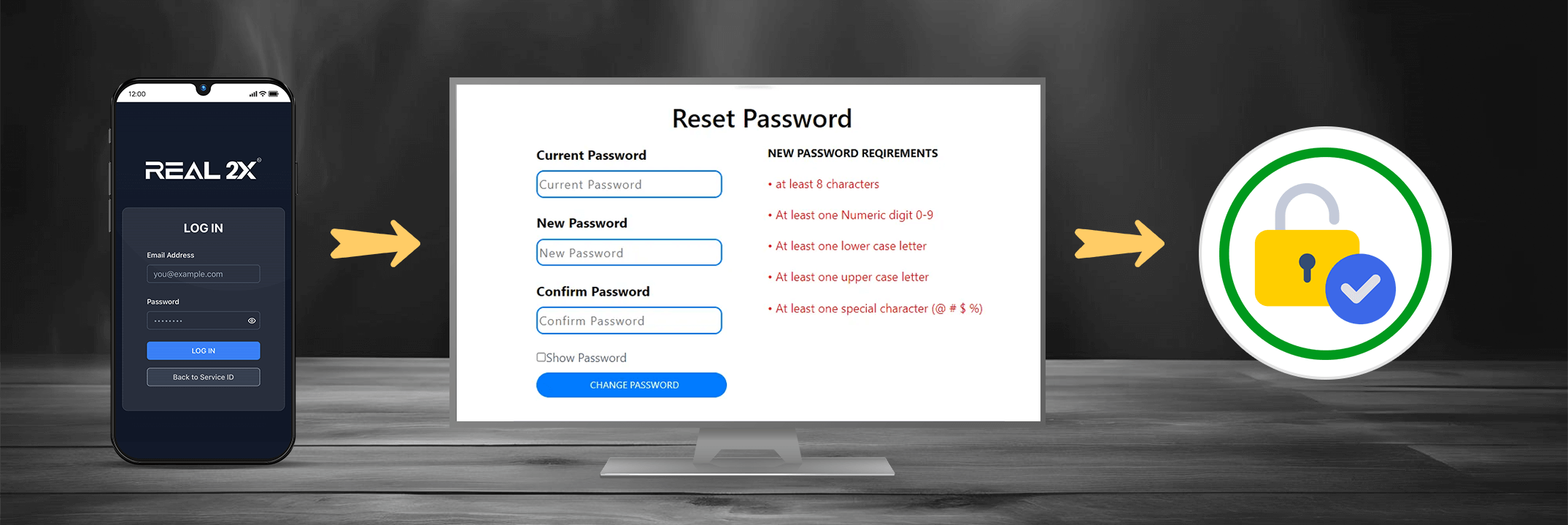
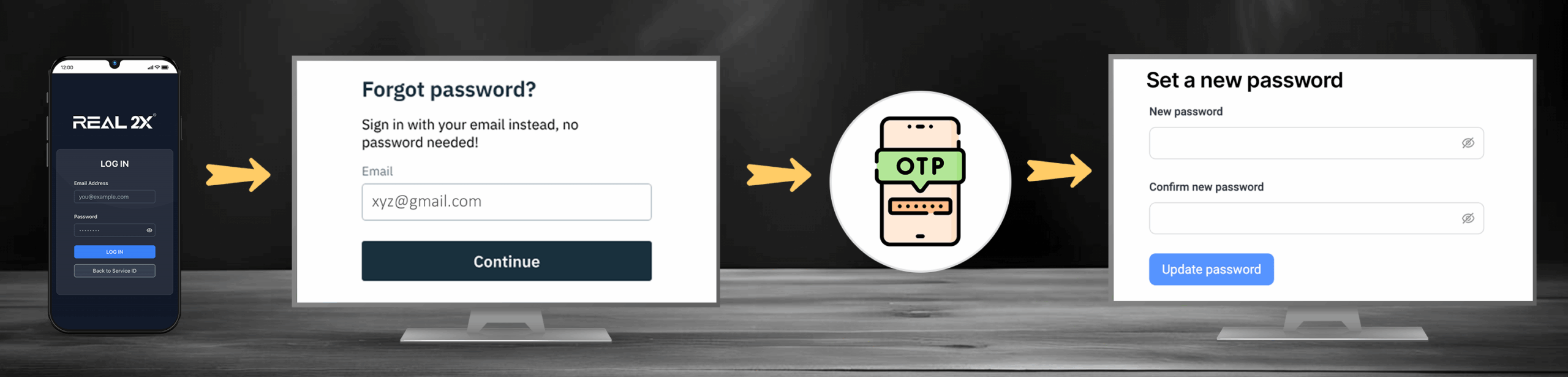
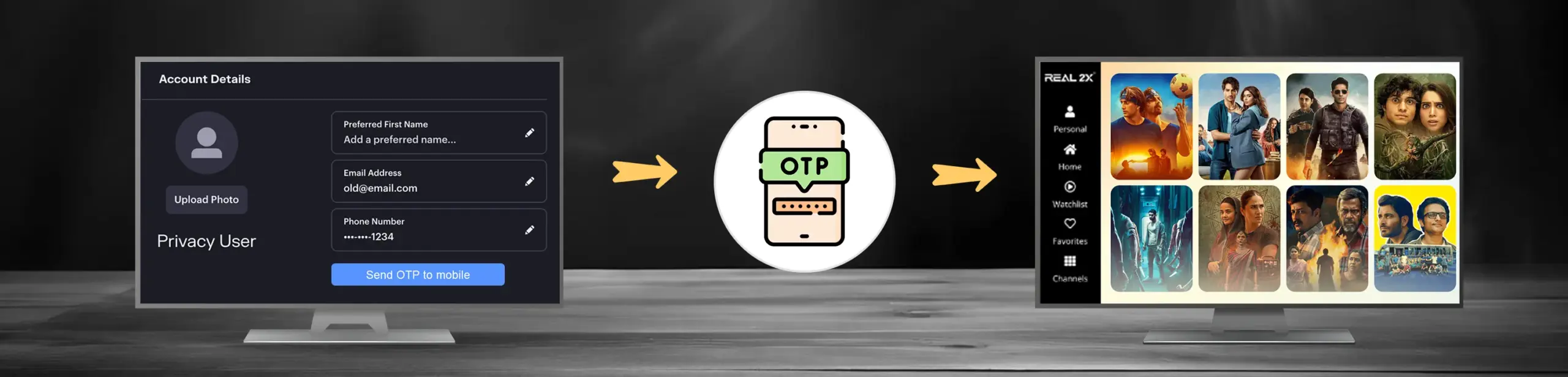
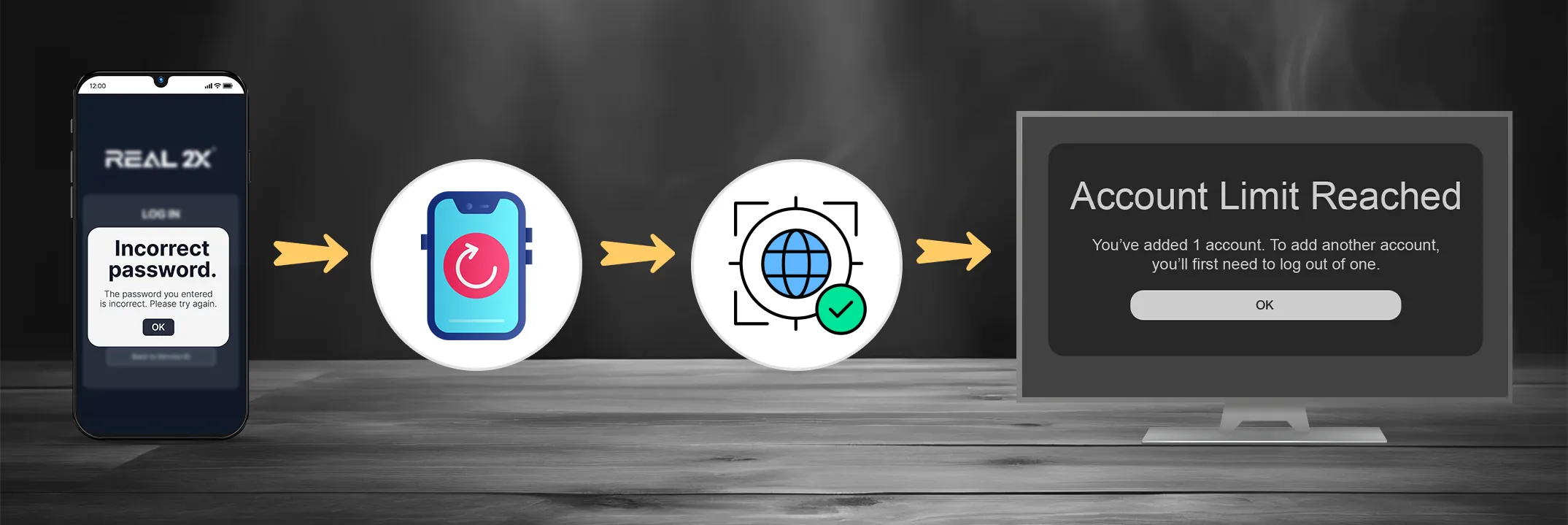
Search Account Management (Guide) Topics Change Password Forgot Password Update Email or Phone Number Login Issues & Fixes Use same Account on Multiple Device How Many Devices Allowed? Change Password Open Account SettingsSelect password optionEnter current passwordEnter new password Save changes Forgot Password Open Real TV login PageClick Forgot PasswordEnter registered Email/Phone Check your OTP/LinkSet a new password Update Email or Phone Number Go to Profile Settings Select Edit detailsChange email/phoneVerify with OTP Save Profile Login Issues & Fixes Check PasswordReset Password if neededRestart AppCheck internet connectionTry logging in on one device only Use same Account on Multiple Device Login on Second device If limit reached, logout from first deviceRefresh app on new device How Many Devices Allowed? One device at a timeLogin allowed on multiple devices, but streaming limited to one active session.